Having access to various AI tools is no longer just a nice-to-have; it's a must. ChatGPT is great for creative writing. Claude handles long documents and computer code better. Gemini is strong at finding information. Also, new models like Deepseek, Grok, and Qwen keep appearing, each with its own special abilities.
The old way involved paying for three or four different services, juggling multiple logins, and losing track of your conversation every time you moved to a new platform. That method is both costly and tiring.
All-in-one AI platforms fix this issue. They gather many models under one system - one login, one bill, and one continuous conversation. However, not all of them work well. Some only provide a few old models. Others stop remembering your chat when you switch between AI tools. A few are just ChatGPT with a new look and exaggerated marketing claims.
The five platforms listed below were tested for the range of models they offered, if they kept conversations continuous, their media features, and their prices. These are the ones that truly deliver.
How We Chose Them
Every platform on this list had to meet four conditions:
- Many strong models - They needed to offer AI tools at least as good as GPT-4 from different companies (like OpenAI, Anthropic, Google, Meta, and others).
- Keep conversation going - Switching from one AI tool to another should not make the conversation start over.
- More than just chatting - They should also have other helpful features, such as uploading files, searching the internet, or creating images.
- Good price - It should cost less than paying for separate subscriptions for each model.
1. Cabina.AI
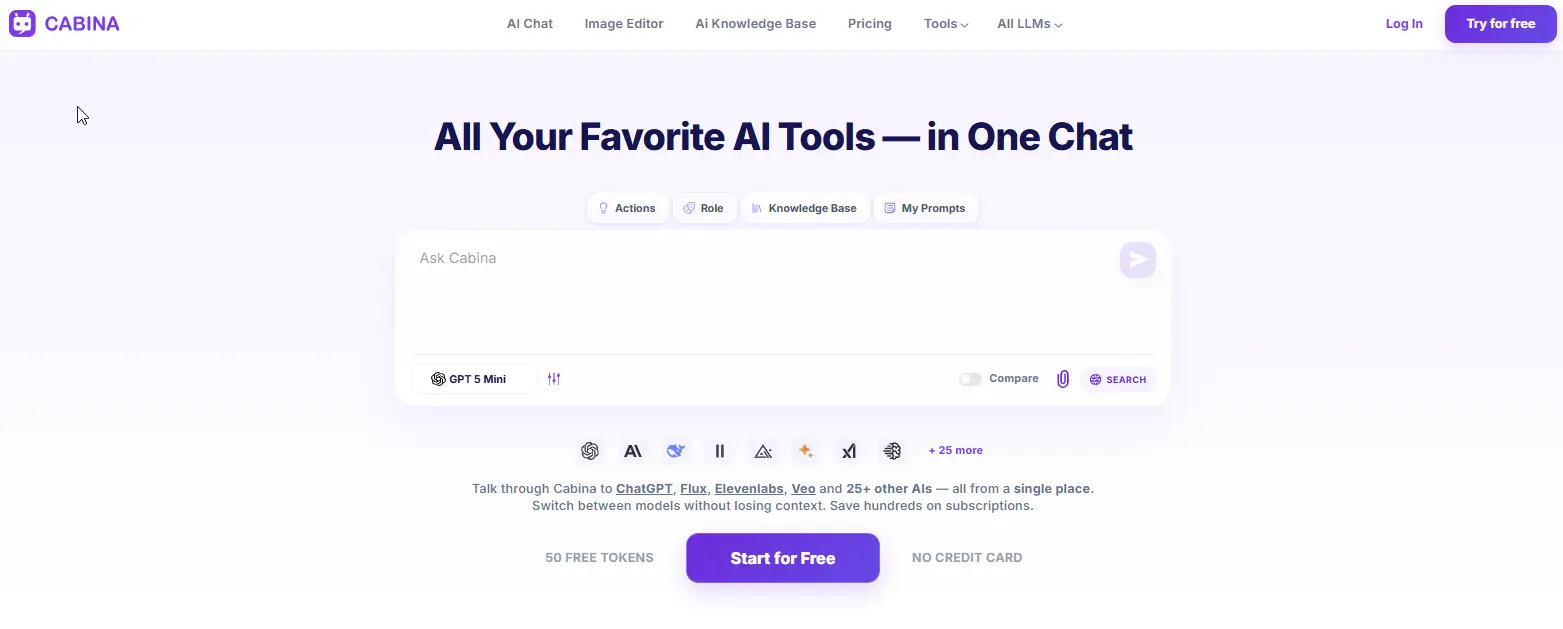
Cabina.AI is a complete platform that lets you use many different AI programs, or "models," all in one chat. You can find almost every main AI model here. For writing, you can use things like ChatGPT and Gemini. For making pictures, there's Midjourney and DALL-E. For videos, you have Hailuo and Runway. And for sound, there are tools from ElevenLabs and Google.
The best part of this platform is that all the AI models know what you've talked about before. For example, you can start asking Gemini questions, then switch to Claude to look closely at answers, and then use ChatGPT to write something. All these models will remember the whole chat history. You won't need to copy-paste or say "as I said before."
There's a "Compare mode" where you can give the same task to two AI models at the same time. Their answers will show up next to each other. This helps a lot when you want to choose which AI writes better emails, makes better product pictures, or creates videos in a certain way. Need to understand a complex piece of text quickly? The platform also includes an ai text explainer https://cabina.ai/tools/explain-everthing that breaks down any information you feed it into clear, simple explanations.
Key features:
- 20+ LLMs including GPT, Claude, Gemini, Grok, Deepseek, Llama, Mistral, Qwen
- Image generation with Midjourney, DALL-E, Flux, Stable Diffusion, Ideogram, Leonardo
- Video generation with Hailuo, Luma, Runway, Pika, Veo
- Audio and transcription from ElevenLabs, Google, OpenAI, Whisper
- Shared context across all models
- Compare mode for side-by-side model testing
- RAG folder uploads for custom knowledge bases
- AI Roles (custom instructions)
- Magic tools: Translator, Summarizer, Humanizer, Prompt Generator, Prompt Enhancer
- AI In-Painter for image editing (inpaint, remove objects, expand, stylize, remove background, upscale, variations)
Pros:
- Largest model selection on this list
- Shared context works reliably between text, image, and video models
- Compare mode saves hours of manual testing
- Pay-as-you-go and subscription options
- Free plan includes 100 tokens
Cons:
- So many features that new users may feel overwhelmed
- Some advanced tools require a few minutes to learn
Pricing:
- Free plan - 100 free tokens
- Pay-as-you-go - from $3 top-up
- Monthly subscription - from $4.99
- Yearly subscription - from $4.72/month (billed annually)
2. ChatHub
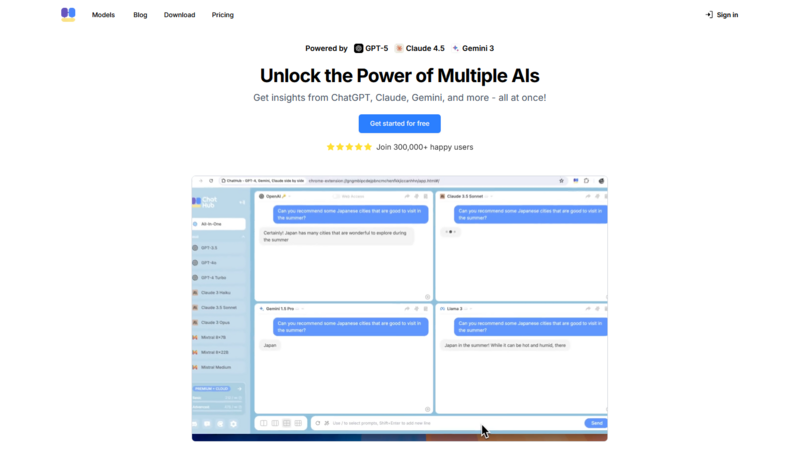
ChatHub is a tool, available as a browser add-on or a website, that lets people chat with different large language models (LLMs) at the same time. It works with models like GPT, Claude, Gemini, and open-source ones such as Llama and Mistral.
Its main function is to show chats side-by-side. You type one question, and all the AI models you picked answer at once. This makes it simple to see how different AIs write, how well they think, and if their facts are correct.
ChatHub also has a collection of prompts, which are saved instructions you can use again and again. You can also upload files, like pictures or text documents, to ask questions about them.
However, ChatHub is not good at making media. It does not have tools for creating images or videos. It is only for text-based conversations. Also, it does not always remember the whole conversation when you switch between models, unlike Cabina.AI.
Key features:
- Multiple LLMs in one interface (GPT, Claude, Gemini, Llama, Mistral)
- Side-by-side chat for comparing responses
- Prompt library for saving instructions
- Basic file uploads (images, text files)
- Browser extension available
Pros:
- Very clean, distraction-free interface
- Side-by-side comparison is fast and intuitive
- Free tier available
- No credit system - straightforward usage
Cons:
- No image or video generation
- Shared context is weaker than competitors
- Fewer models than Cabina.AI or Poe
Pricing:
- Free tier - basic access
- Pro plan - around $10 - 15/month (varies by model usage)
3. Merlin
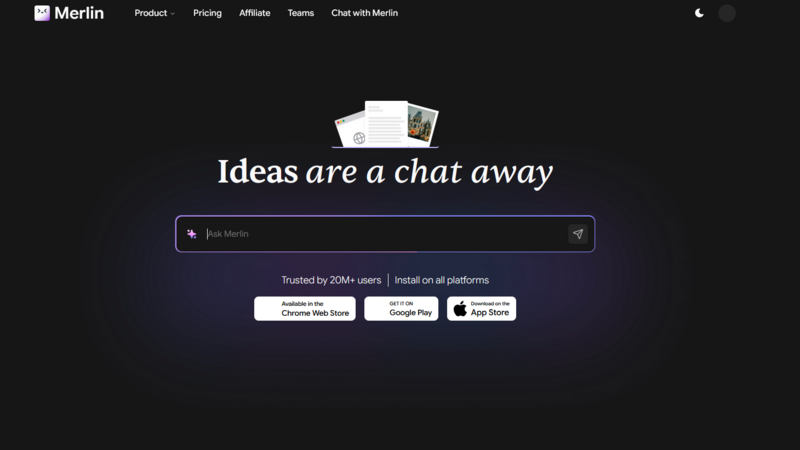
This tool is a Chrome extension, and it also has apps for computers and phones. It brings various AI models, such as GPT, Claude, Gemini, Llama, and Mistral, directly to any webpage, meaning you don't have to leave your browser to use them.
You can open Merlin's chat window by simply pressing a keyboard shortcut (Ctrl+M or Cmd+M). Once open, you can use it to summarize the article you're reading, rewrite a sentence, translate text, or ask questions about the page content. The AI uses the information shown on your screen for context.
Merlin also offers a feature to chat with any website. You can ask questions about a YouTube video, a PDF document, or a long blog post, and Merlin will quickly provide answers. It can even generate basic images using DALL-E or Stable Diffusion, although these images may not be as high-quality as those produced by dedicated platforms.
The biggest drawback is that Merlin doesn't keep a long-term memory of your chats. It does not remember conversations across different websites or when you use it at different times. It is designed for quick, specific tasks rather than ongoing projects.
Key features:
- Browser extension with keyboard shortcuts
- Access to GPT, Claude, Gemini, Llama, Mistral
- Summarize any webpage, video, or PDF
- Chat with websites and documents
- Basic image generation
- 200+ tools including translation and rewriting
Pros:
- Works anywhere on the web
- No tab-switching required
- Free tier with daily credits
- Extremely fast for quick tasks
Cons:
- No persistent context across sessions
- Image generation is basic compared to Cabina.AI or Midjourney
- Credit system adds up for heavy users
Pricing:
- Free tier - daily credits
- Paid plans - start around $10 - 20/month
4. Monica
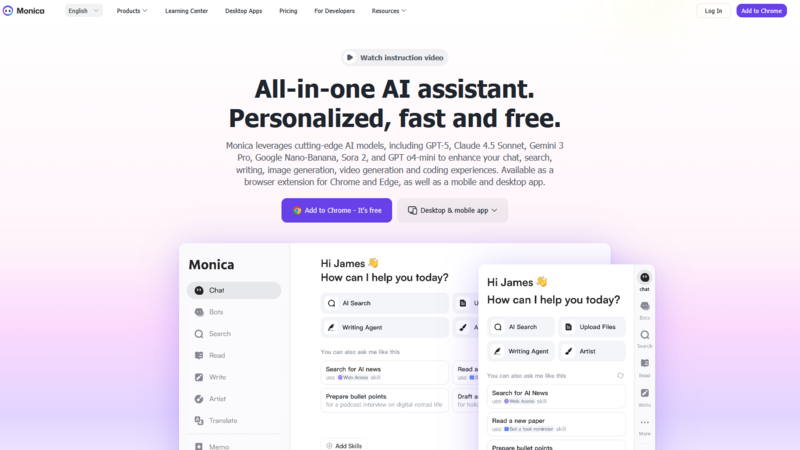
Monica is like a versatile tool for AI assistants, offering various models in one place. You can get Monica as a Chrome extension, a computer program, or a phone app. It lets you use AI tools like GPT, Claude, Gemini, and Deepseek all from one screen. Similar to Merlin, it works in your web browser and responds to quick keyboard commands.
What makes Monica stand out is its many built-in features. Users can get summaries of YouTube videos, talk to PDF documents, make pictures using DALL-E or Stable Diffusion, create short videos, and even search the internet with AI help. The platform can handle over 50 different types of documents for you to upload and look at.
Monica also has a collection of pre-set prompts and allows you to design your own AI personalities. For example, you could create an AI that talks like a job recruiter, a funny comedian, or a formal business analyst, much like how Forefront AI's system works.
The main issue is when you switch between different AI models during a conversation; it often forgets what was said before. Monica works best for single tasks rather than long projects where you need to change AI models often.
Key features:
- Browser extension, desktop, and mobile apps
- Access to GPT, Claude, Gemini, Deepseek
- Summarize videos, PDFs, and web pages
- Image generation with DALL-E and Stable Diffusion
- Basic video creation
- Custom AI personas
- 50+ document format support
Pros:
- Works across multiple devices
- Wide range of built-in tools
- Free tier with daily credits
- Persona system adds flexibility
Cons:
- Context does not persist well when switching models
- Credit system becomes expensive for daily heavy use
- Less powerful for large projects or team collaboration
Pricing:
- Free tier - daily credits
- Paid plans - start around $10 - 20/month
5. Hix.ai
Hix.ai is a versatile platform created for writing and editing. It offers access to various large language models like GPT, Claude, and Gemini, making it useful for writers, marketers, and anyone who creates a lot of text. The platform provides a document editor where users can easily input content and then use different AI models to rewrite, expand, summarize, or translate it. A helpful feature allows users to compare how two different AI models process the same text side-by-side.
Additionally, Hix.ai includes "Chat with PDF" and "Chat with URL" functions, enabling users to ask questions about uploaded documents or web pages. While it has some basic image generation, this isn't its main purpose. The platform does not, however, offer tools for video or audio. Also, unlike Cabina.AI, the understanding between different AI models within Hix.ai is not as strong; for instance, if you switch from GPT to Claude during a chat, the new model might not fully grasp the previous conversation.
Key features:
- Document editor with multi-model rewriting
- Access to GPT, Claude, Gemini, and others
- Side-by-side model comparison for text
- Chat with PDF and Chat with URL
- Basic image generation
- Translation and summarization tools
Pros:
- Excellent for long-form writing and editing
- Clean document-focused interface
- Free tier available
- Good for non-technical users
Cons:
- Weak shared context between models
- No video or advanced audio tools
- Image generation is basic
Pricing:
- Free tier - limited words per month
- Paid plans - start around $15 - 20/month
Every tool is made for a distinct kind of person. ChatHub is the easiest choice if you want to put AI responses next to each other to see the differences. Merlin and Monica are good for people who need AI help right in their web browser for fast jobs. Hix.ai mainly helps with writing and changing documents, using many different AI programs.
But for those who require everything - words, pictures, videos, sounds, connected information across all AI programs, and a way to compare that truly saves effort - Cabina.AI is the fullest tool mentioned here. Its free plan lets you try it out without any danger. You can pay as you use it or get low-cost monthly plans (starting at $4.99), meaning no one will need to pay for five different AI tools anymore.